
Choose a branded USB flash drive with your logo based on the devices the recipient will use and the files they will need. Then consider the material, capacity, branding and packaging. USB-C refers to the connector, while USB 2.0 or USB 3.0 describes the interface: these terms are not interchangeable.
Start with the recipient and how the drive will be used
Will the drive provide a catalogue to customers, serve as a resource for training attendees, or help transfer files between a phone and a computer? Make a note of the devices it needs to support and the approximate size of the data. For business recipients, we also recommend checking in advance whether their organisation has rules on using external USB storage devices.
Choose the look and price only after you have defined these requirements. A drive that does not suit the recipient’s connector or cannot be used with their work computer will not be made suitable by a prominent logo.
Choose a material and design to suit the occasion
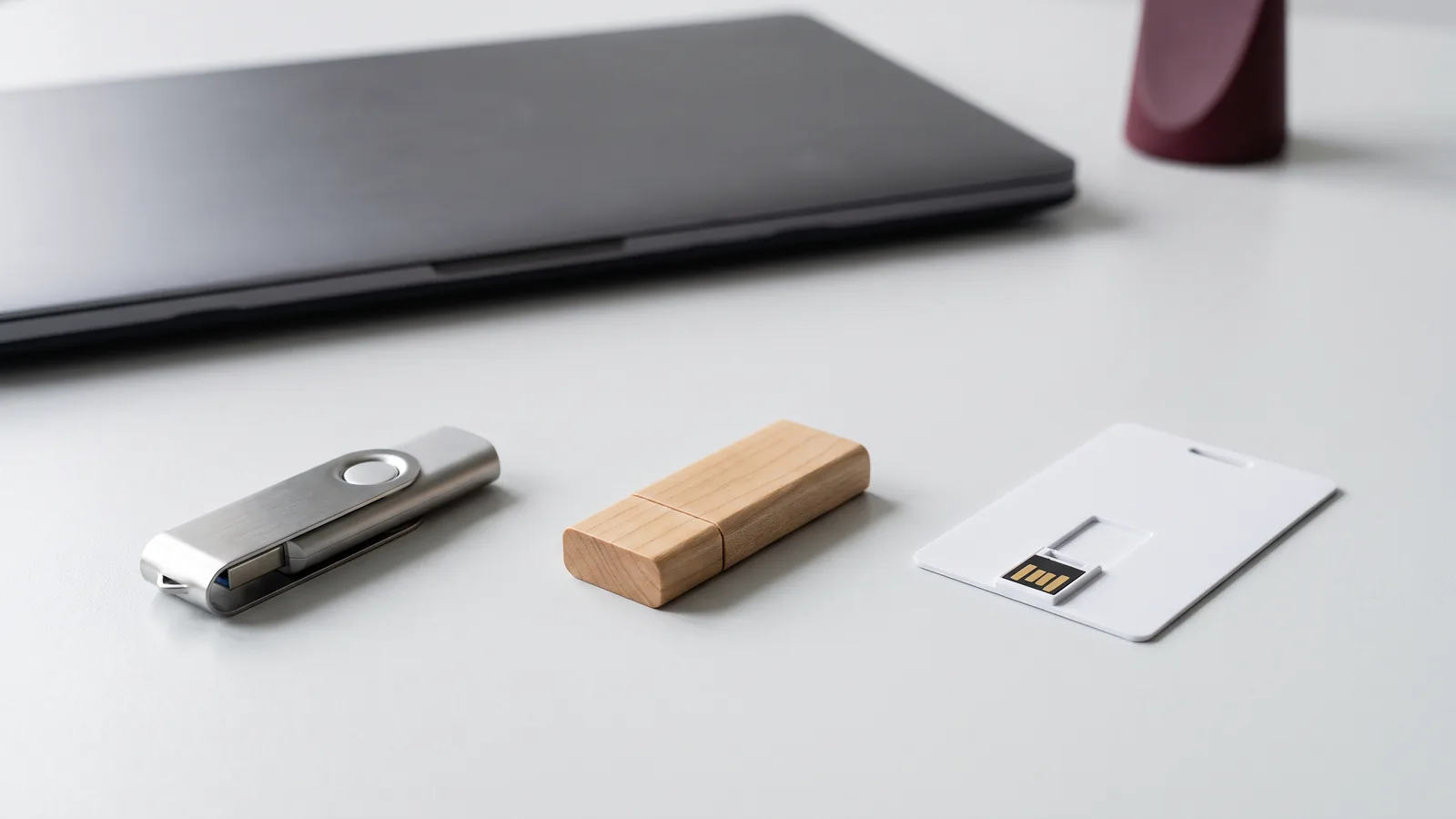
Plastic and a metal clip for colourful campaigns
To match your corporate colours, consider a swivel design where the body and clip can be selected separately. NEW YORK is one example, with a choice of combinations for these parts. Confirm the specific base colour and suitability for colour printing when choosing your variant.
Check that your logo is legible on the actual product colour, not just on a white proof.Metal for understated corporate branding
Our metal USB drives with engraving include compact models with an eyelet, key-shaped designs and drives with two connectors. The appearance of the engraving depends on the material and finish; check the contrast and size of your design before production.
An elegant appearance does not automatically guarantee that the entire electronic device is durable.Wood and other materials for a distinctive look
When choosing from our range of wooden USB drives and other material options, check the specific body material and branding method. HELSINKI has a wooden swivel design, while the product description for TERRA specifies a PLA body. Do not assume that wood or PLA alone proves the entire product has a lower environmental impact.
Describe the material accurately, without unsupported environmental claims.Capacity: start by checking your files
Do not choose a capacity based only on the number of photos or the word “catalogue”. Prepare the actual data folder, check its size and allow extra space for future use. The table below is a general guide to help you choose, not a guarantee of how many specific videos or documents will fit on a drive.
| Approximate volume of prepared data | Capacity to consider initially | What else to check |
|---|---|---|
| Up to 2 GBFor example, a smaller set of materials | 4–8 GB | Allow extra space and check the available capacity of the specific model. |
| A few GBA larger set of files | 16 GB | Check the actual folder size and leave space for the recipient. |
| Tens of GBLarge data files | 32–128 GB, depending on volume | Check the capacity, write speed and compatibility with the device. |
Available capacities vary by model. Do not assume that every design comes in every capacity or that drives of the same size in GB have the same transfer performance. If you are handing over important files, we recommend testing the selected combination with a sample before placing a bulk order.
Connector is not speed: USB-A, USB-C and the interface
USB-A and USB-C refer to physical connectors. USB 2.0 and USB 3.0 refer to the interface and its capabilities. The USB-IF explicitly points out that USB-C is not the same as a newer transfer standard and does not, by itself, determine a product’s performance.
If you want to use the drive with different devices, take a look at our USB drives with connectors for phones and computers. NEW YORK DUO combines USB-A and USB-C; the CHICAGO DUO product page also specifies a USB 3.0 interface and capacities of 32 and 64 GB. Do not mistake an additional connector for proof of speed.
If copy time matters, ask for the read and write specifications of the specific variant or request a sample test. The USB 3.0 label alone does not substantiate a specific multiplier for real-world write speed. Include the devices and file types in your brief, too.
USB drives for phones: what to confirm before ordering
Having the same connector is only the first step. Check whether the specific phone supports external storage, the system requirements and whether an app is needed. For Android, confirm USB host/OTG support for the particular model. For iPhone, also check the iOS version, storage format and any power or adapter requirements, as outlined in Apple Support.
CUPERTINO is listed as a Lightning-connected model, not as a universal solution for every iPhone. Before including it in a company pack, check the exact device, iOS version and required app. If recipients use different phones, do not present one variant as automatically compatible with all of them.
Engraving, pad printing or UV printing?
Choose the branding method to suit the product and design. The available methods vary by model; the fact that engraving, pad printing and UV printing are available in the range does not mean that every method can be used on every drive.
- Laser engraving: for subtle branding on a suitable surface. Contrast and the resulting shade depend on the material; unlike a print colour, the engraving colour cannot be freely specified.
- Pad printing: for suitable simple logos and solid-colour designs. Confirm the requested shade, background and colour accuracy during preparation.
- Full-colour UV printing: for colour designs, if the specific model supports it. Check the print area and how many sides are included in the selected variant.
The catalogue lists full-colour printing on the front of USB cards as included in the price; do not assume this means free double-sided printing on every model. PRISMA has engraving inside the glass, while AURORA has a permanently printed design illuminated by an LED. AURORA is not a display, and its design cannot be uploaded as digital content. For more help choosing, see our article Engraving or printing?
Packaging is a required choice, not a requirement to buy a box
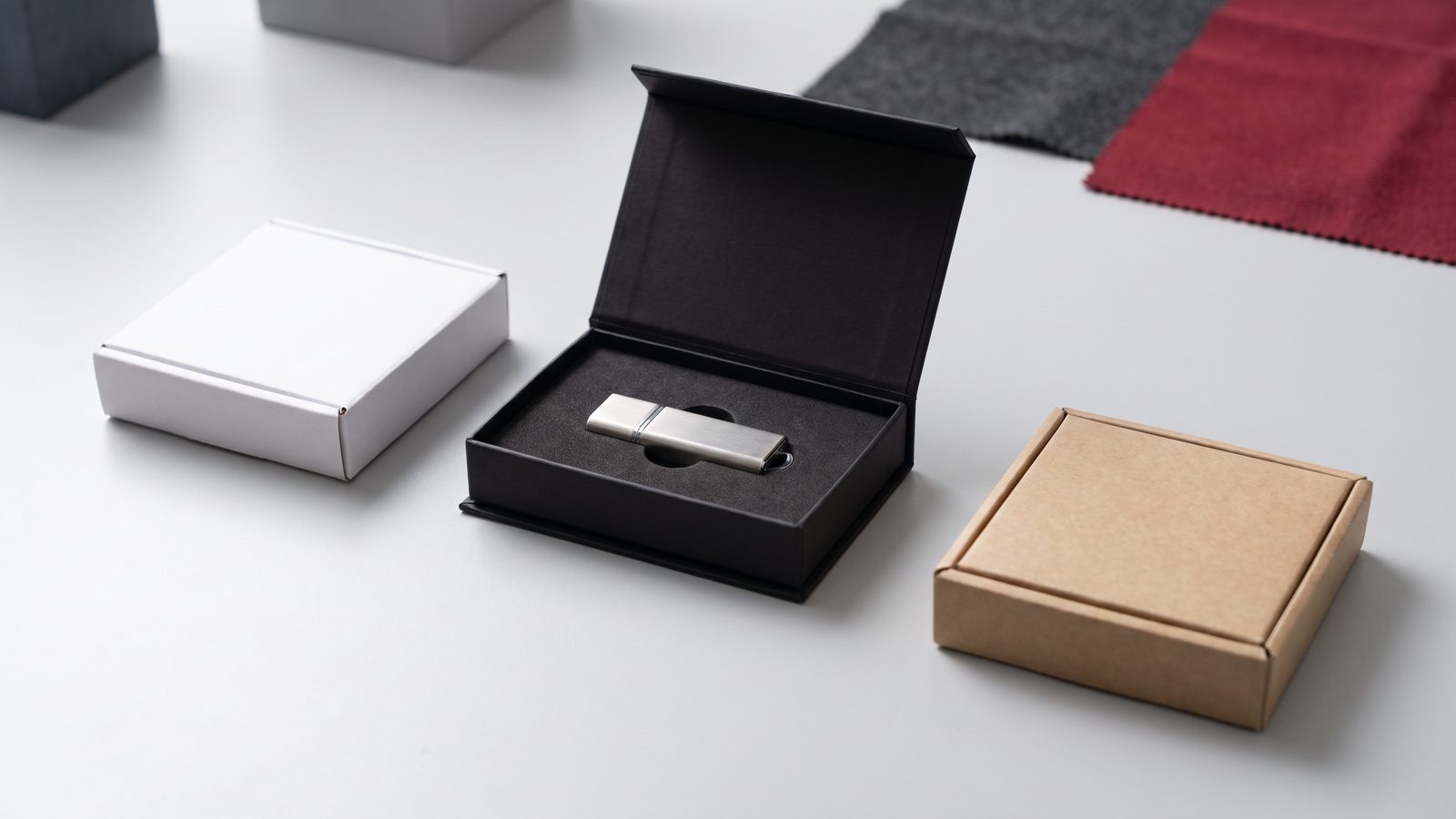
You must select a packaging option when ordering, including “No box”. For verified models, the options also include a white box, an ECO box and a black magnetic box. Check that the selected packaging suits the dimensions of the specific drive, and assess the price including any extra charges.
A box with custom full-colour printing can be requested from 50 units. If you need specific packaging or want to pack several items together, include this in your brief. Selecting a packaging option does not confirm that any box will suit every model.
From artwork approval to completed order
- Choose the model, capacity, quantity, branding method and packaging. Verified models in the current range can be ordered from 10 units.
- Send us your logo and requirements. The first 30 minutes of graphic design work are free of charge.
- Check and approve the artwork proof. We check the files before production.
- Production with branding takes up to 14 days from artwork approval, according to the current offer. Artwork preparation, approval and delivery are not included in this production lead time.
If you need the drives by a specific date, include the required delivery date in your enquiry. We will confirm the overall schedule based on the model, capacity and quantity. If you want your files preloaded onto the drives, ask us separately to confirm whether this is possible, the price and how the content will be checked.
Frequently asked questions
What is the minimum order for branded USB drives?
Verified models in the current range can be ordered from 10 units. Please confirm the minimum quantity for the specific variant and any special packaging.
Does production within 14 days also mean delivery within 14 days?
No. This is the production lead time from approval of the artwork proof. You need to allow additional time for artwork preparation, approval and delivery; we will confirm the delivery date for your specific order.
What capacity should I choose?
Check the actual size of your files and allow extra space for future use. Then check the capacity available for the specific model; the number of photos or the word “catalogue” is not enough on its own.
Is USB-C automatically faster?
No. USB-C refers to the connector, not a guaranteed speed. The interface and actual read and write performance must be considered separately.
Will the drive work with my phone?
You need to check the exact phone, operating system, connector and support for external storage. Depending on the product, an app or other requirements may apply. USB-C or Lightning alone does not guarantee compatibility.
Do I have to buy a box?
No. You must choose a packaging option, but “No box” is one of the choices. Check the other packaging options and their compatibility with the specific model.
We’ll help you choose a USB drive to suit your devices, budget and occasion
Send us the quantity, logo, required capacity, target devices and delivery date. The first 30 minutes of artwork work are free of charge, we check the files before production, and you can work directly with TAEDA, which has its own warehouse and production facilities.