
"Please send us the logo in curves." Almost everyone who has ever ordered pens or T-shirts has heard this sentence. Why isn't a regular image enough for printers? What exactly are these "curves" and what is the difference between AI, EPS, and PDF formats? Let us explain it simply.
What is Vector Graphics?
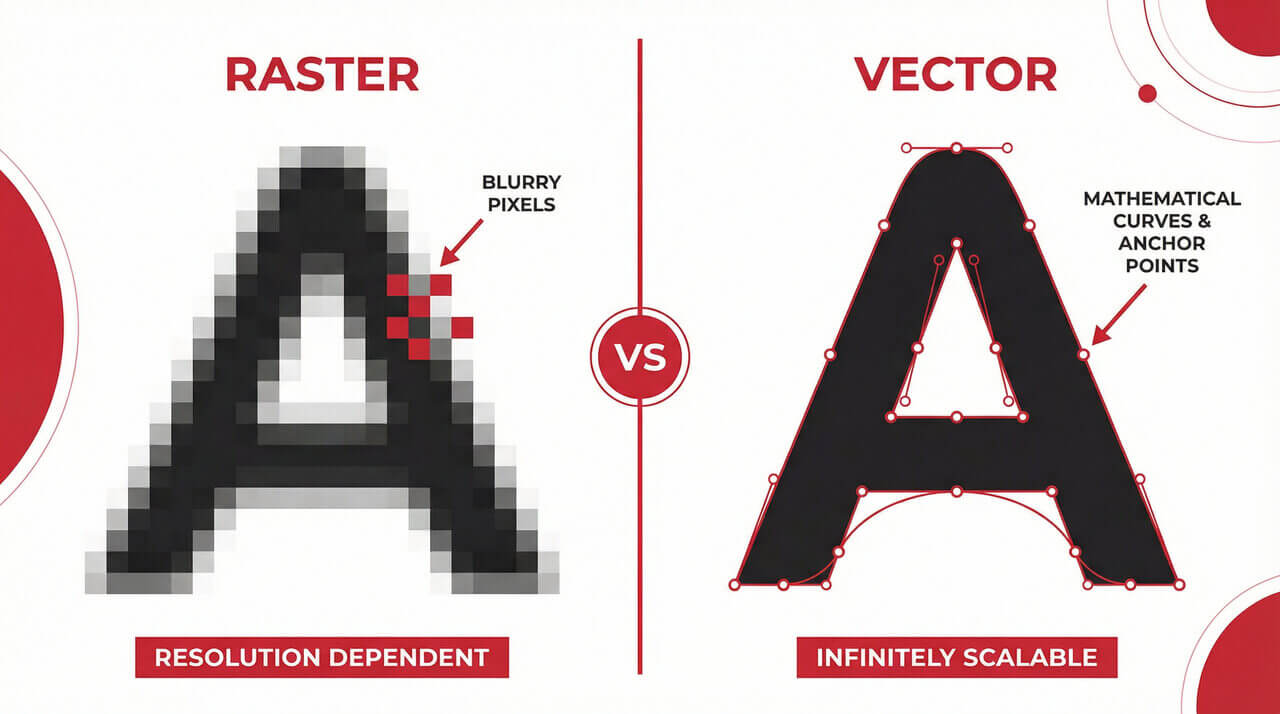
While raster graphics are a mosaic of colored dots, vector graphics are essentially mathematical instructions. The image is not made of pixels, but of points, lines, and curves defined by mathematical formulas.
Think of it as an instruction for the printer: "Draw a line from point A to point B and curve it by 30 degrees." This makes the image completely independent of resolution.
Main Advantages of Vectors in Advertising:
- Infinite Scalability: You can print a logo on a small pen or a giant billboard, and it will always be perfectly sharp.
- Small File Size: Files are often much smaller than high-resolution photos.
- Editability: A graphic designer can easily change colors or shapes without losing quality.
Vector vs. Raster: When to Use Which?
At TAEDA, we need vectors mainly for technologies like pad printing (pens), screen printing (bags), or embroidery.
| Parameter | Vector Graphics (Curves) | Raster Graphics (Pixels) |
|---|---|---|
| Principle | Mathematical curves and shapes | Grid of colored dots (pixels) |
| Scaling | No quality loss (100% sharp) | Blurs and "pixelates" |
| Usage | Logos, text, icons, vinyl cutting graphics | Photographs, realistic shading |
| Software | Adobe Illustrator, CorelDRAW, Inkscape | Adobe Photoshop, Paint |
Most Common Vector Formats
How do you know if your file is in vectors? Look at the file extension. But be careful – not every PDF is a vector (see FAQ below).
- .AI (Adobe Illustrator): The industry standard. If you have your logo in .ai, you are all set.
- .EPS (Encapsulated PostScript): Older but still very reliable universal format for printers.
- .PDF (Portable Document Format): The most common format. If created in vector software, it is ideal for printing.
- .SVG (Scalable Vector Graphics): Format primarily designed for websites, but modern printers can handle it.
- .CDR (CorelDRAW): Often used format in European advertising agencies.
Frequently Asked Questions (FAQ) about Curves
Is it enough if I save a JPG image as a PDF?
Unfortunately not. This is the most common misconception. If you take a raster image and just save it as a PDF, it is still a raster, just "wrapped" in a different package. The printer still cannot work with it as curves. The image must be completely redrawn.
How can I verify if my PDF is in vectors?
Open the PDF in a viewer and zoom in, for example to 400%. If the letters and lines are still perfectly sharp and smooth, you have vectors. If they are "jagged" or blurry, it is a raster.
I don't have my logo in curves, what should I do?
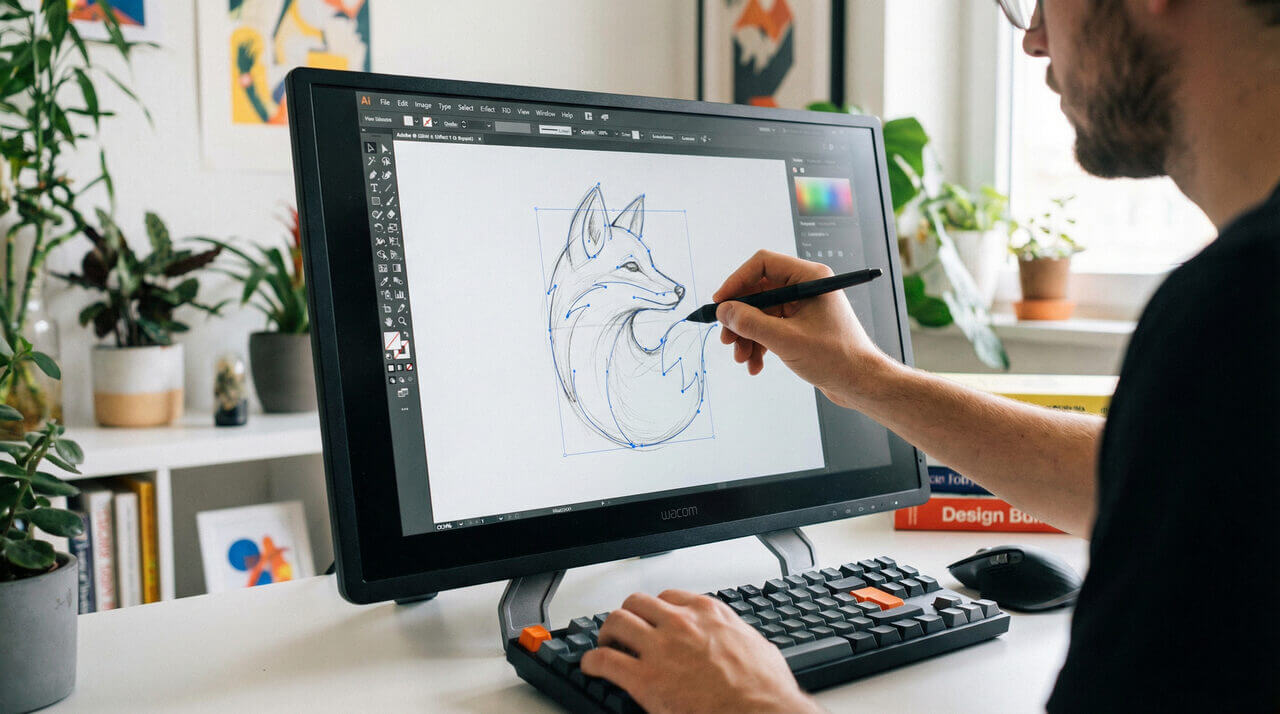
Don't panic. Send us what you have (JPG, PNG). Our graphic studio will take a look. We can often convert simple logos into curves as part of the production preparation.
Is the printer reporting data errors?
Leave it to us. At TAEDA, we manually check every order.
- ✅ Free data check: We immediately find out if your logo is usable.
- ✅ Logo vectorization: If you don't have curves, we will arrange their redrawing.
- ✅ Guaranteed result: With us, your print will never look blurry.