
Have you ever zoomed in on a photo only to see it turn into blurry squares? That is exactly the principle of raster graphics. Most photos you take with your phone are raster images. But why is this sometimes a problem in promotional product manufacturing, and how do you know if your data is high quality?
What is Raster Graphics (Bitmap)?
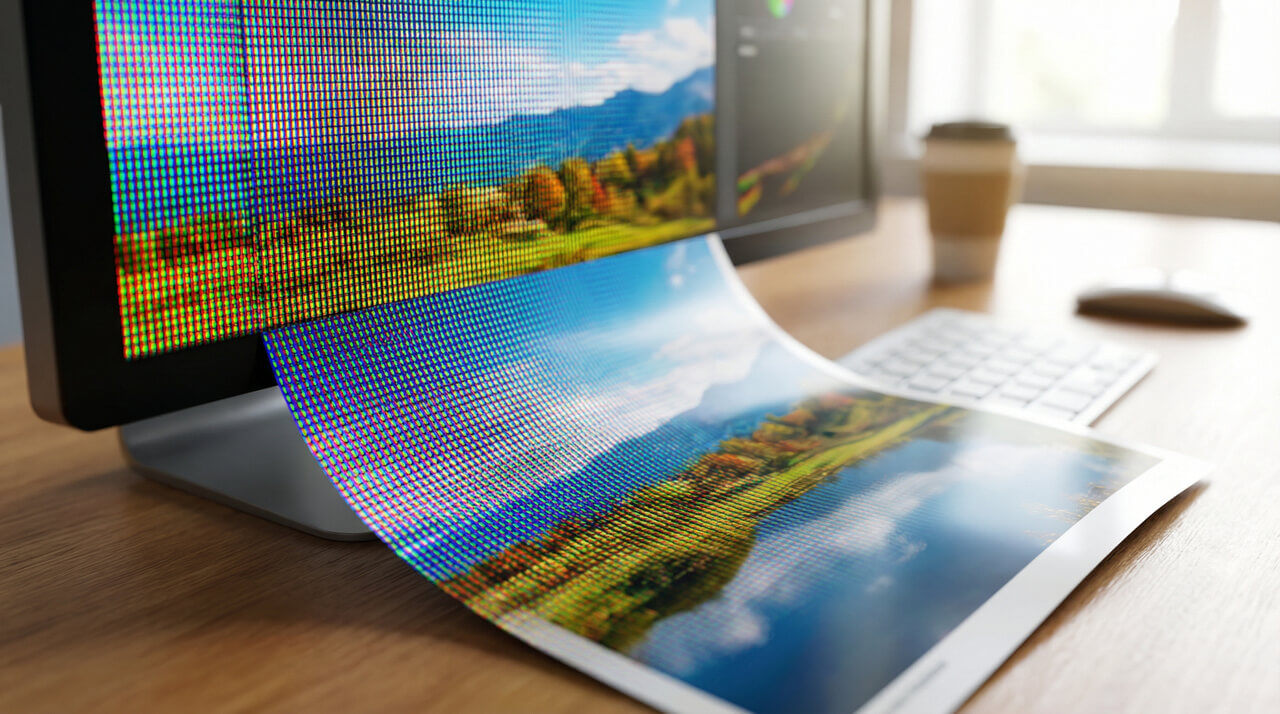
Raster graphics (often called bitmaps) are a method of storing images that you can imagine as a mosaic. The entire image consists of small colored dots called pixels. These are arranged in a regular grid.
When you look at such an image from a distance, your eye connects the dots, and you see a smooth image – like a vacation photo. However, as soon as you zoom in too much, you start seeing individual squares. The image becomes "pixelated."
Where do you encounter it most often?
- Photos from digital cameras and mobile phones.
- Images on websites and social media.
- Scanned documents.
Raster vs. Vector: The Eternal Struggle in Printing
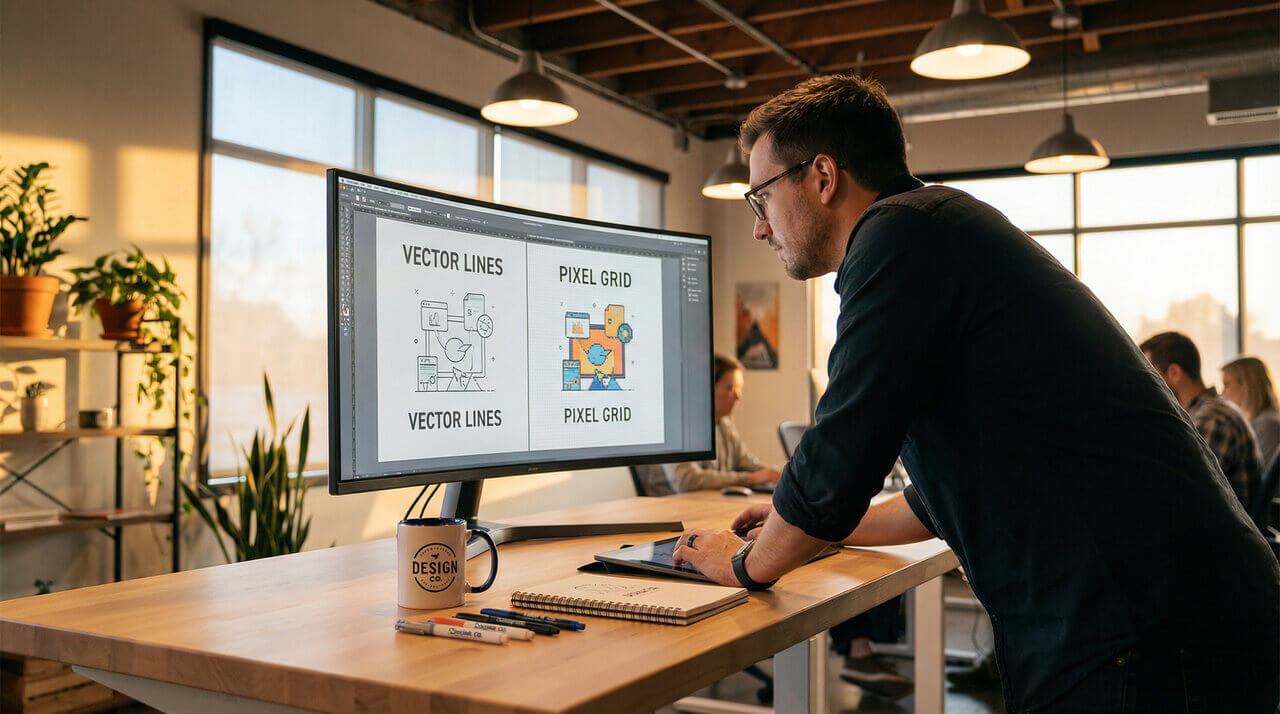
For us at TAEDA, it is crucial to distinguish when to use raster and when to use vector. While raster is a mosaic of dots, vector graphics are made up of mathematical curves. This allows us to scale them infinitely without losing quality.
| Feature | Raster Graphics (Bitmap) | Vector Graphics (Curves) |
|---|---|---|
| Basic Element | Pixel (dot) | Curve (mathematical calculation) |
| When Zoomed | Loses quality (blurs) | Remains perfectly sharp |
| Usage | Photos, complex color gradients | Logos, text, technical drawings |
| Typical Formats | JPG, PNG, TIFF, GIF, BMP | AI, CDR, EPS, PDF, SVG |
Most Common Raster Formats
Not every image fits every purpose. Here is a quick overview of the formats we work with when preparing print data:
- JPG (JPEG): The most common format for photos. It uses compression, so it has a small size, but loses quality with repeated saving. Not ideal for logos with sharp edges.
- PNG: Great format for web and graphics because it supports transparent backgrounds. Suitable for printing if it has sufficient resolution.
- TIFF: Professional standard for printing. Preserves a huge amount of detail without quality loss, but files are very large.
- GIF: Completely unsuitable for printing. It has a limited color palette (max 256) and is mainly used for simple web animations.
DPI and PPI: Why Resolution is King
For a raster image to look good on paper or a promotional product, it must have sufficient "dot density." We call this density DPI (Dots Per Inch) or PPI (Pixels Per Inch).
- 72 DPI: Standard for monitors. Looks great on screen, but will be "pixelated" in print.
- 300 DPI: Golden standard for printing. If you want your logo on a mug or flyer to look sharp, we need data in this quality (at 1:1 size).
Frequently Asked Questions (FAQ) about Raster Graphics
How do I know if my logo is raster or vector?
Do a simple test: Open the file and zoom in. If the edges start to get "jagged" or blurry, you have raster graphics (JPG, PNG). If the edges remain perfectly smooth and sharp even at high magnification, it is a vector (AI, EPS, PDF).
Can a small image (JPG) be converted to vector?
A simple "save as" is unfortunately not enough. The image must be vectorized (redrawn). There are automatic tools for this, but manual redrawing by a graphic designer is best for quality printing. At TAEDA, we offer graphic services where we are happy to redraw your logo into curves.
Is a photo from Facebook or Instagram enough for printing?
Usually not. Social networks automatically compress images to load faster. For quality printing of promotional items, we need the original file in full resolution (ideally 300 DPI). A photo from social media would look blurry in print.
What format should I send for T-shirt printing?
If you are printing a logo or text, we always prefer vector data (PDF, AI, EPS). If you want to print a photograph (full-color image), send us the highest quality raster (JPG, PNG) in real size and at least 300 DPI resolution.
Only have a small image from the internet?
Don't worry, TAEDA has got your back. If you are unsure about the quality of your logo or photo:
- ✅ Free graphic check: We always verify if data is suitable for printing before production.
- ✅ Redrawing to curves: If you only have a raster logo, our designers can redraw it into vectors.
- ✅ 30 minutes of free graphics: We offer basic graphic work as a bonus with every order.